
Using the image libraries
QALITEL logigramme ProAd version
In its ProAd version, QALITEL logigramme offers you 15 image libraries. These are hundreds of SVG images that you can add to your flowcharts with a simple drag and drop.
The library selector lets you enable the business libraries of your choice — Transport, IT, Emergency, Medical Environment, Production, Multimedia, Round Images… — and your selection is remembered: every time you open the app, you find your working environment just as you left it.
Integrate your libraries naturally into your workspace
You can choose to display your libraries in your workspace for efficient use, simply by dragging and dropping from the left bar onto the canvas.
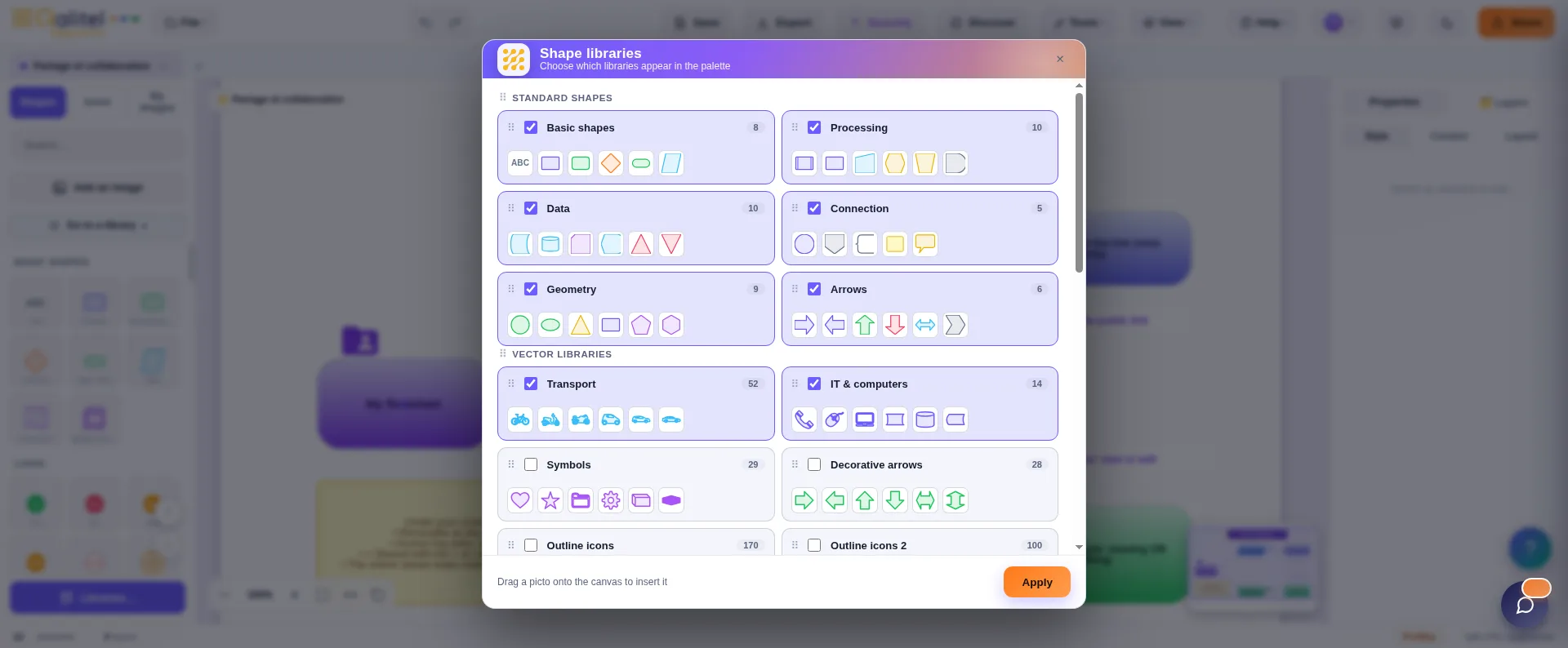
Library examples
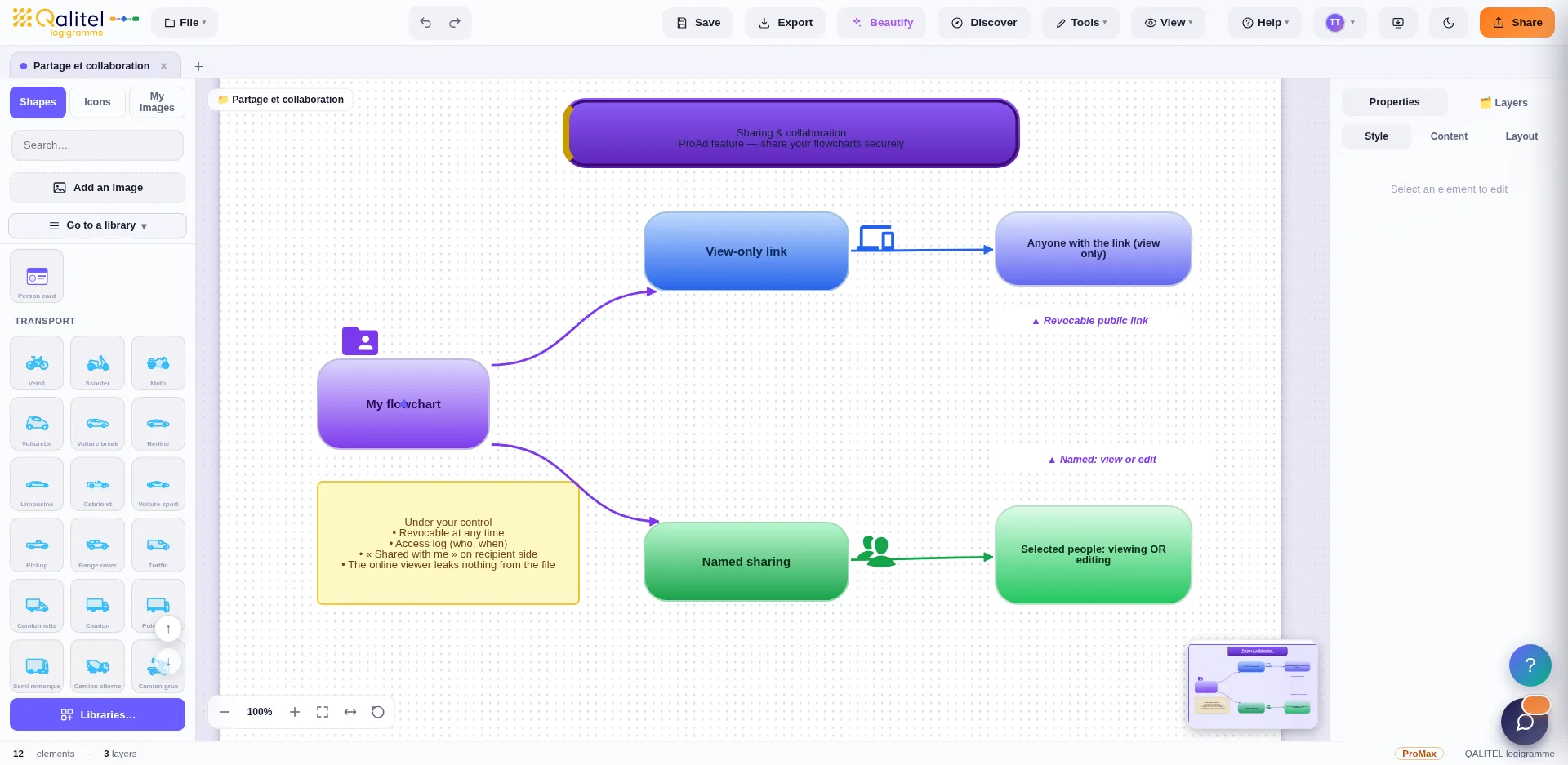
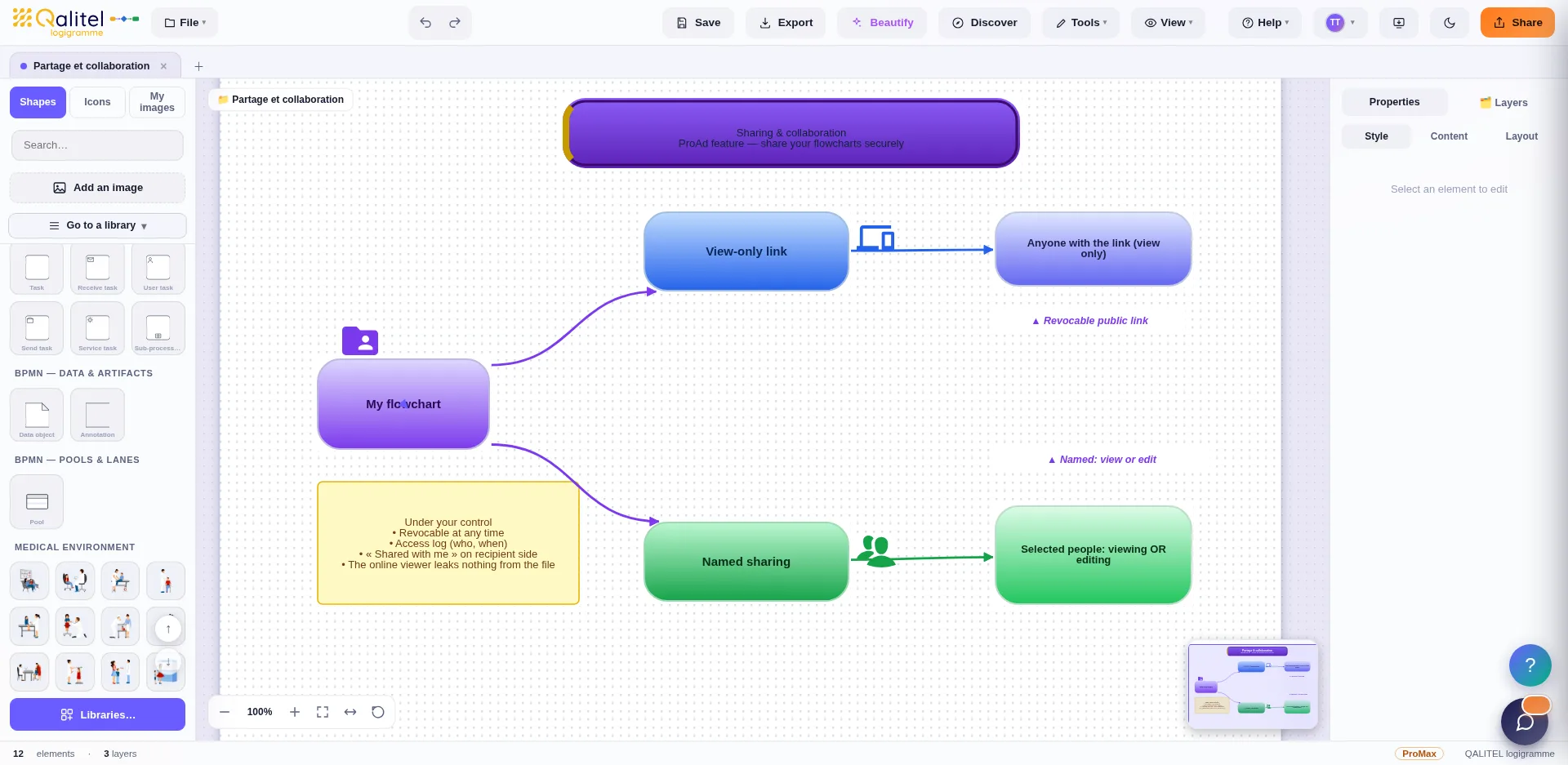
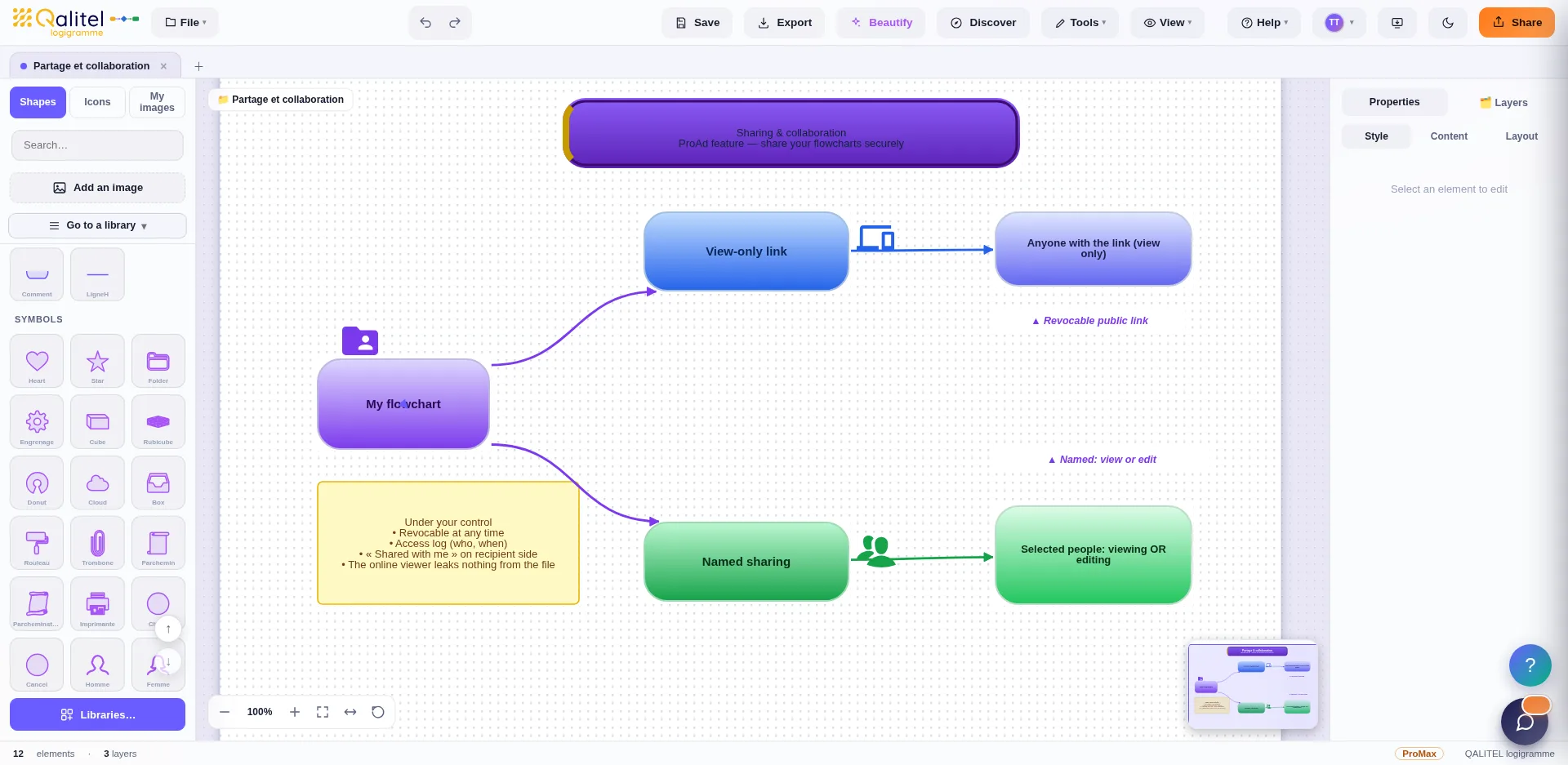
Organise the display of your libraries naturally
You can decide, library by library, whether they should appear in the left bar when the software starts, in what order they are displayed, and whether they should be open or closed by default.
Tailor your workspace to your needs.
Enrich your flowcharts with hundreds of images
The 15 image libraries are part of the ProAd version, available to buy or to rent on a monthly basis.