Downloadable .pdf file
A genuine PDF file generated from the application, ready to send, share on the intranet or file in your document management system.

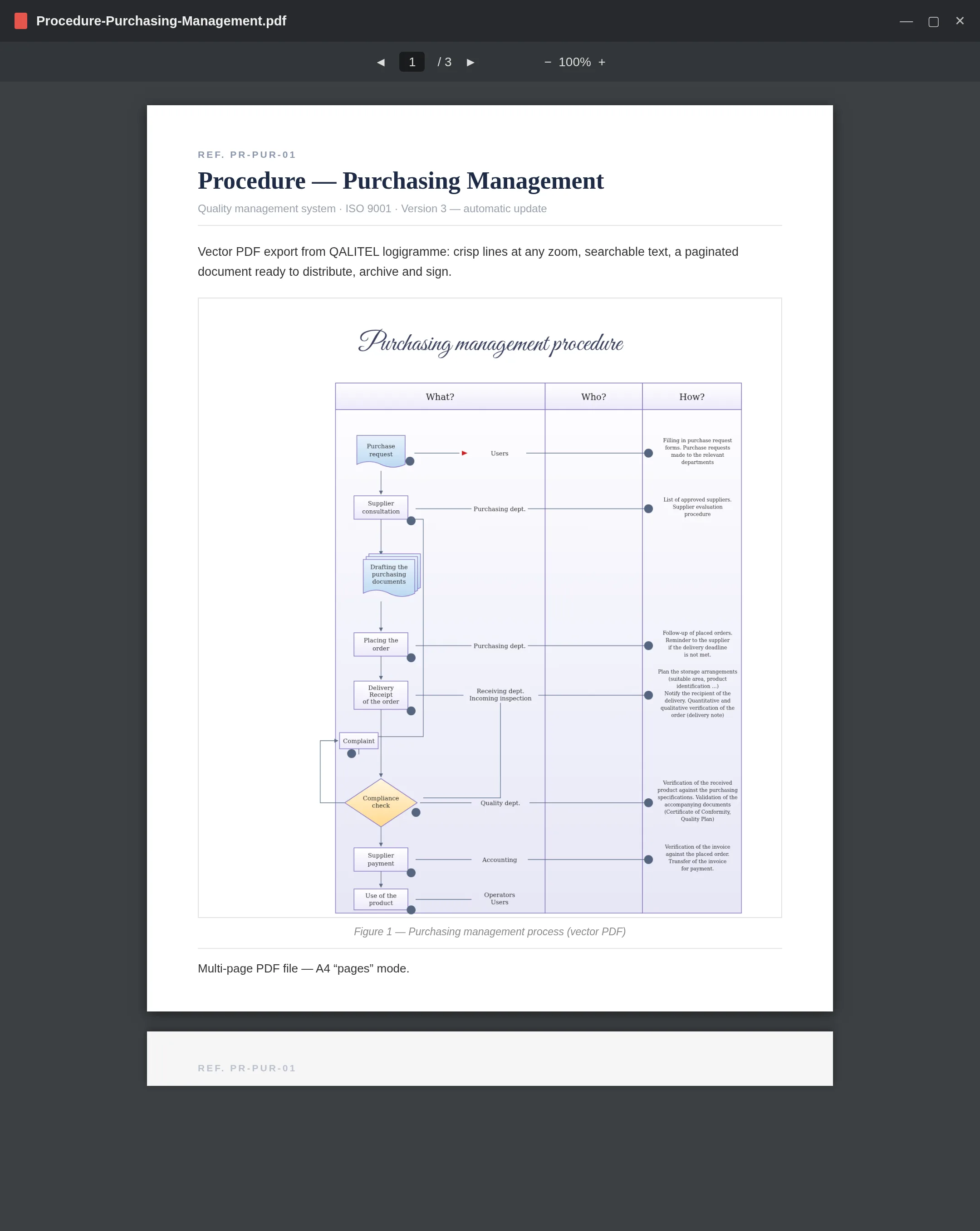
Generate a downloadable .pdf file of your flowcharts, including multi-page ones, and print in vector: crisp lines at any zoom level, searchable text. The reference format for circulating, archiving and getting your procedures signed off.
A genuine PDF file generated from the application, ready to send, share on the intranet or file in your document management system.
The A4/A3 “pages” mode carries through to the PDF: a long flowchart becomes a paginated document, clean to print.
Vector printing: crisp lines at any zoom level, and the flowchart text stays searchable within the PDF.
PDF export is part of the ProAd version. For image exports, SVG and PNG are available from the Pro version onwards.
Try QALITEL logigramme in your browser — you can try it without creating an account.