Link sharing
A viewing link with an online viewer: anyone who receives it sees the flowchart, always up to date. The link can be revoked at any time, and the access log tells you who has viewed it.
A flowchart is only useful if it is read. Share yours with a simple link or by name, for viewing or editing — and co-edit in real time: everyone sees each other's actions, live, without conflict.
A viewing link with an online viewer: anyone who receives it sees the flowchart, always up to date. The link can be revoked at any time, and the access log tells you who has viewed it.
Share with specific people, for viewing or editing. Everyone finds what has been entrusted to them in “Shared with me”.
Several editors on the same flowchart at the same time: live cursors and presence, conflict-free merging. You see what others are doing, immediately.
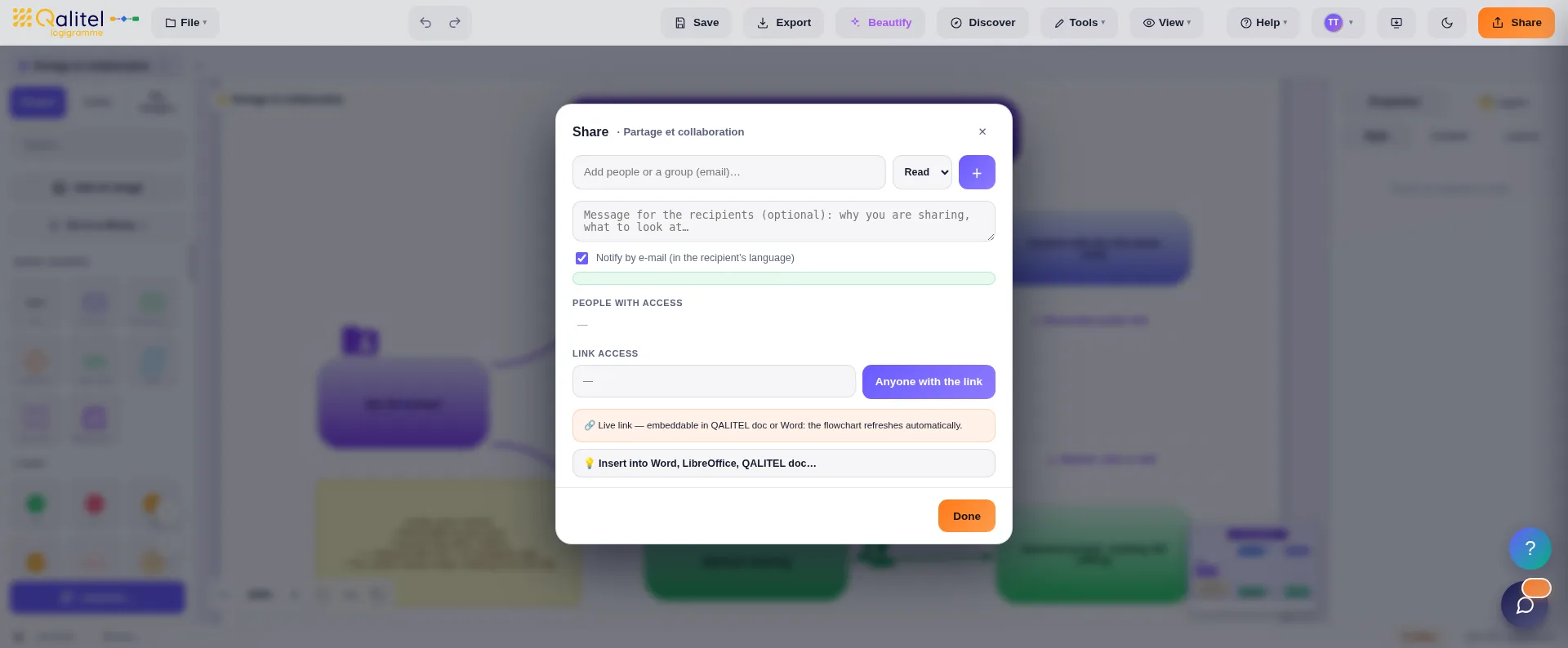
Link sharing, named sharing and real-time co-editing are all part of the ProAd version, along with live Office documents and PDF export. And when collaboration becomes conversation — messaging, calls, discussions around a shared flowchart — the ProMax version takes over.
Some processes should only pass through the right hands: audits, HR, confidential projects. QALITEL logigramme then takes the logic further — controlled sharing, peer-to-peer calls, and messaging all the way to end-to-end encryption. That's the focus of the page Confidential collaboration.
Try QALITEL logigramme in your browser — you can try it without creating an account.