Automatic organisation chart
Import your staff file (Excel/CSV: name, role, department, manager) and thehierarchical organisation chart builds itself, as person cards ready to print. In detail.

The most feature-rich version of QALITEL logigramme: additional features that save you time from a single account — AI Assistant, BPMN 2.0 modelling, enhanced confidentiality. And if you manage several accounts, everything becomes collaborative and can be administered from a single account.
One-off purchase with no time limit, or monthly subscription.
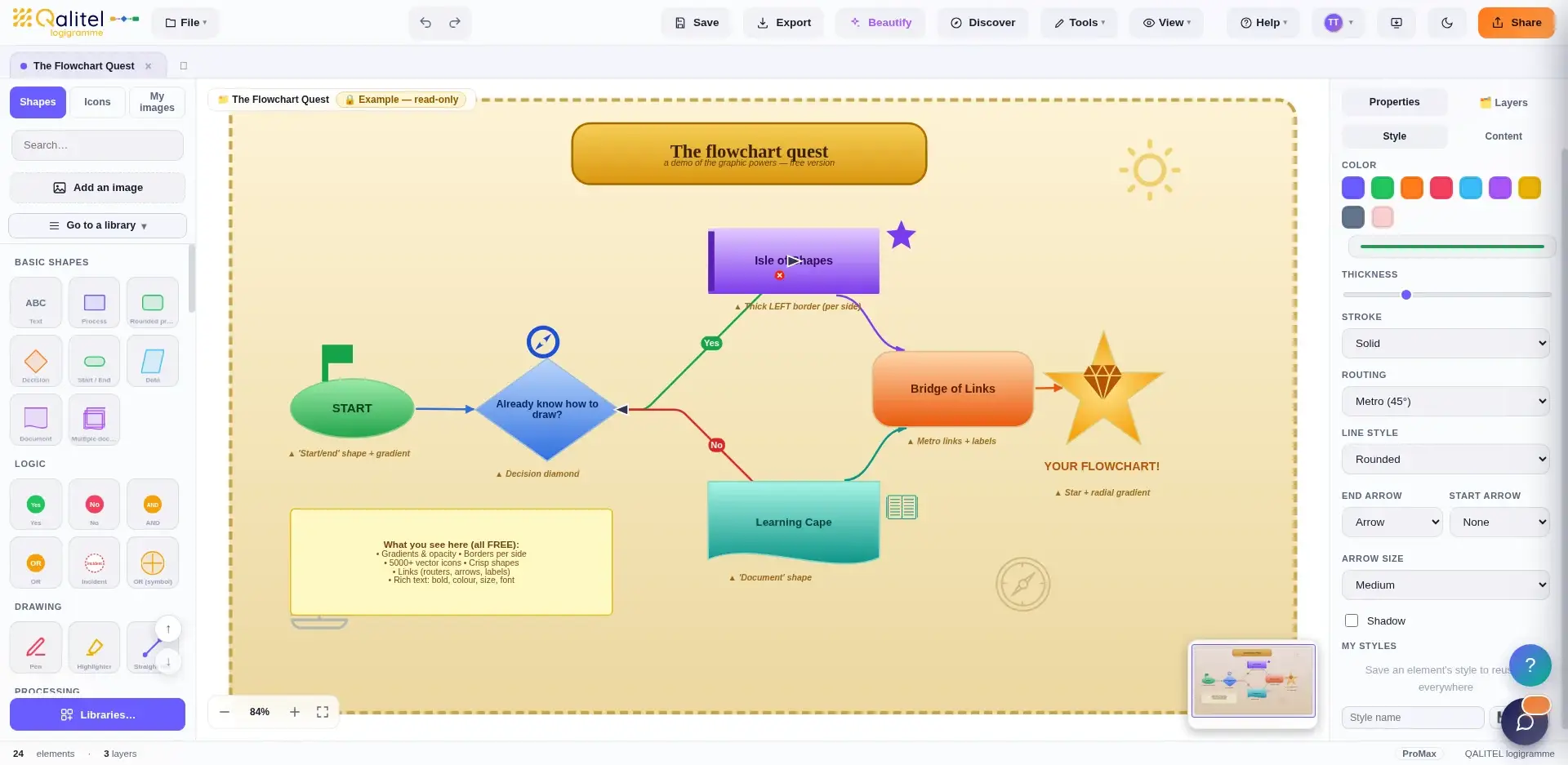
The ProMax version gives you everything in ProAd — plus exclusive features that save you time, on your own or in a team:
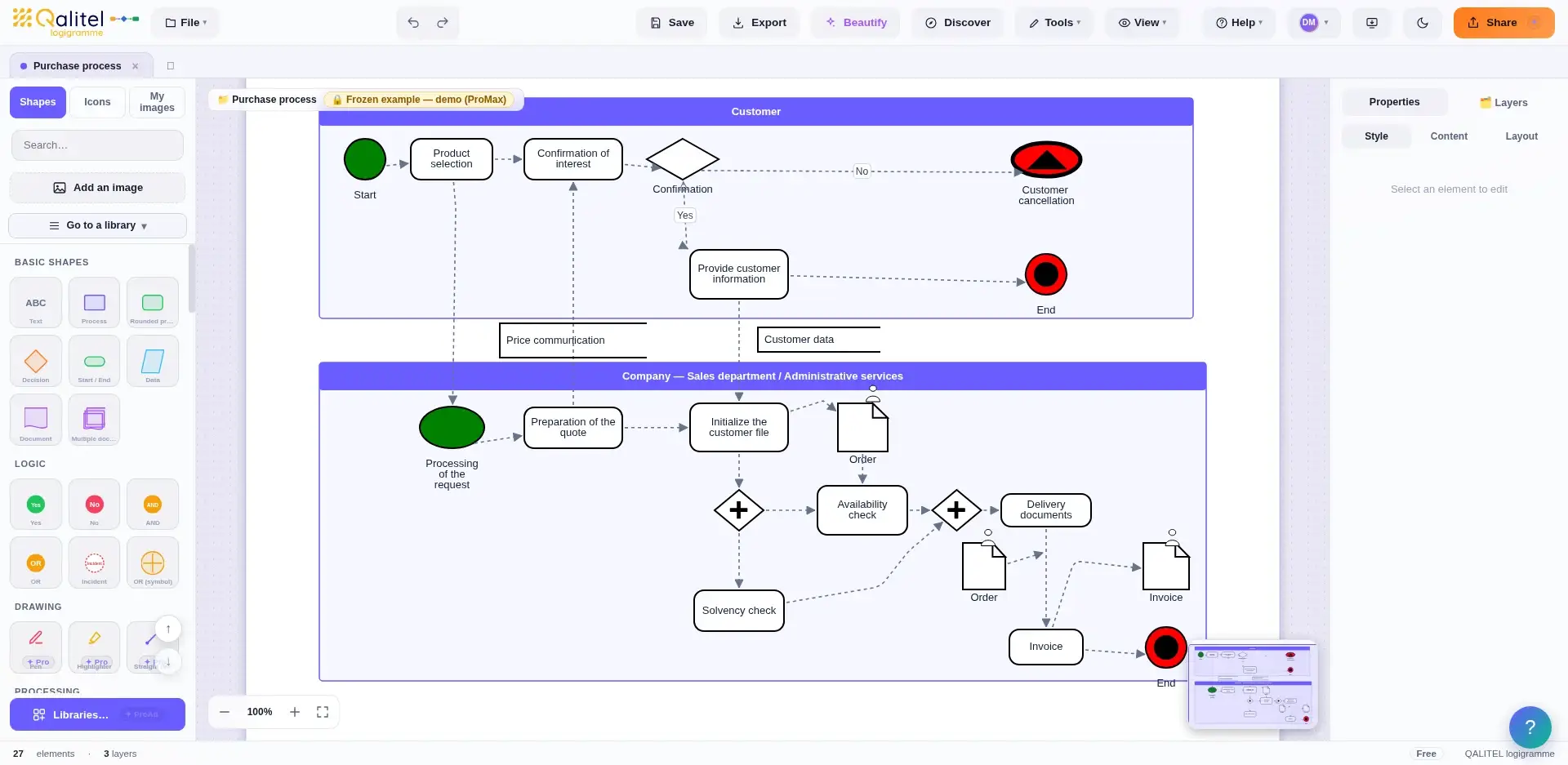
Formalise your business processes with the standard notation BPMN 2.0 : swimlanes (pools and lanes), gateways, start and end events. A language recognised by quality management approaches — useful from your very first flowchart, whether on your own or in a team.
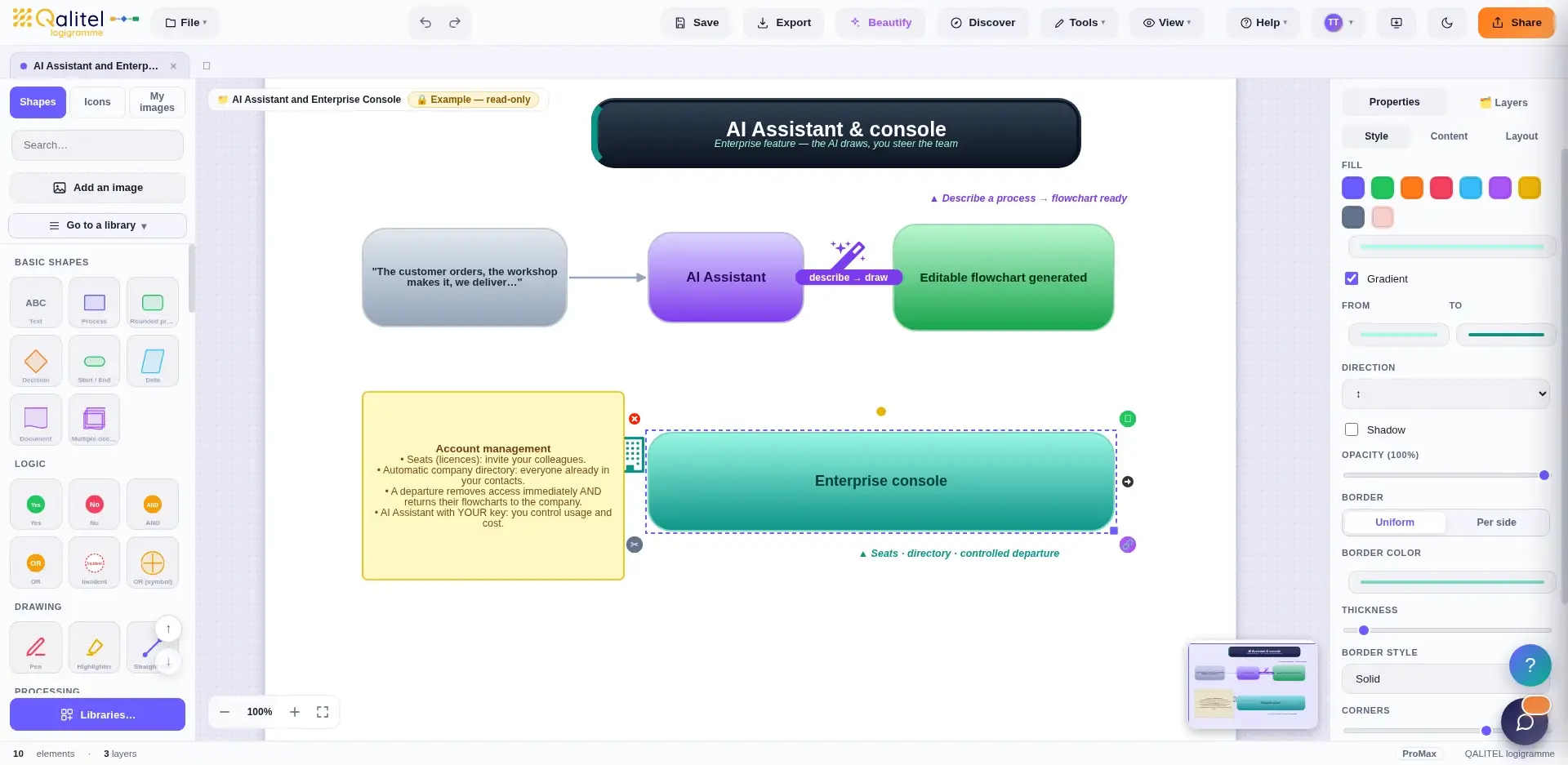
Describe your process in a single sentence: theAI draws the flowchart for you — a real time-saver. All you have to do is fine-tune it. With your own key, you stay in control of AI usage and costs.
As soon as several ProMax accounts work together, they coordinate with each other:
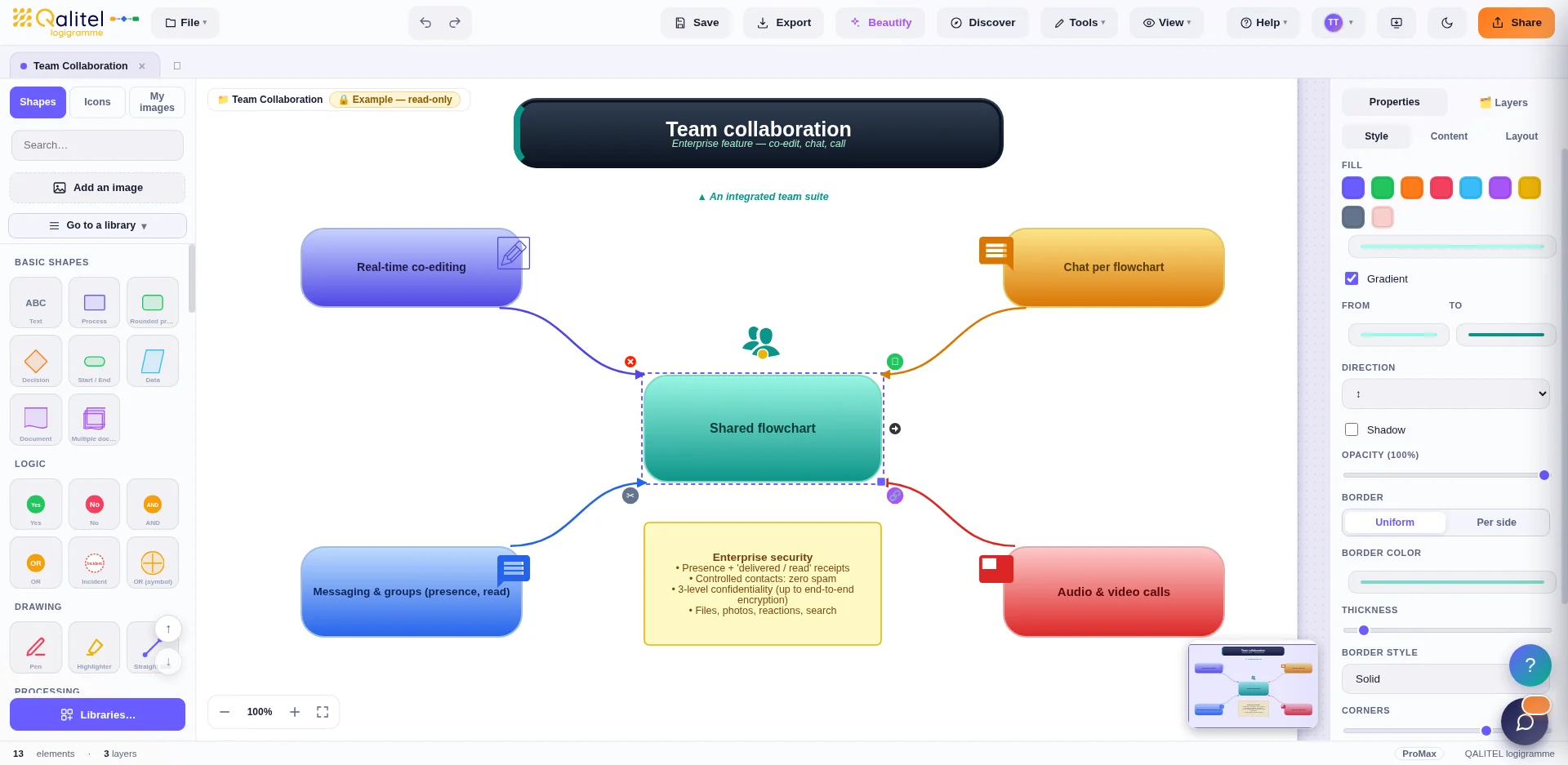
To the Sharing and Real-time collaboration already offered by ProAd, the ProMax version adds a true internal communication suite : messaging and groups (presence, read receipts), audio and video calls, company directory generated automatically — without leaving the software. And confidentiality goes all the way to end-to-end encryption.
With several accounts, everything is administered from a single account: the enterprise console manages seats, invitations and departures, with no technical intervention.
Import your staff file (Excel/CSV: name, role, department, manager) and thehierarchical organisation chart builds itself, as person cards ready to print. In detail.
Photo, name, role, department: the ideal format for your organisation charts and staff photo boards.
Installable on the desktop, the taskbar or mobile — with personal notes and smart notifications in multiple languages.
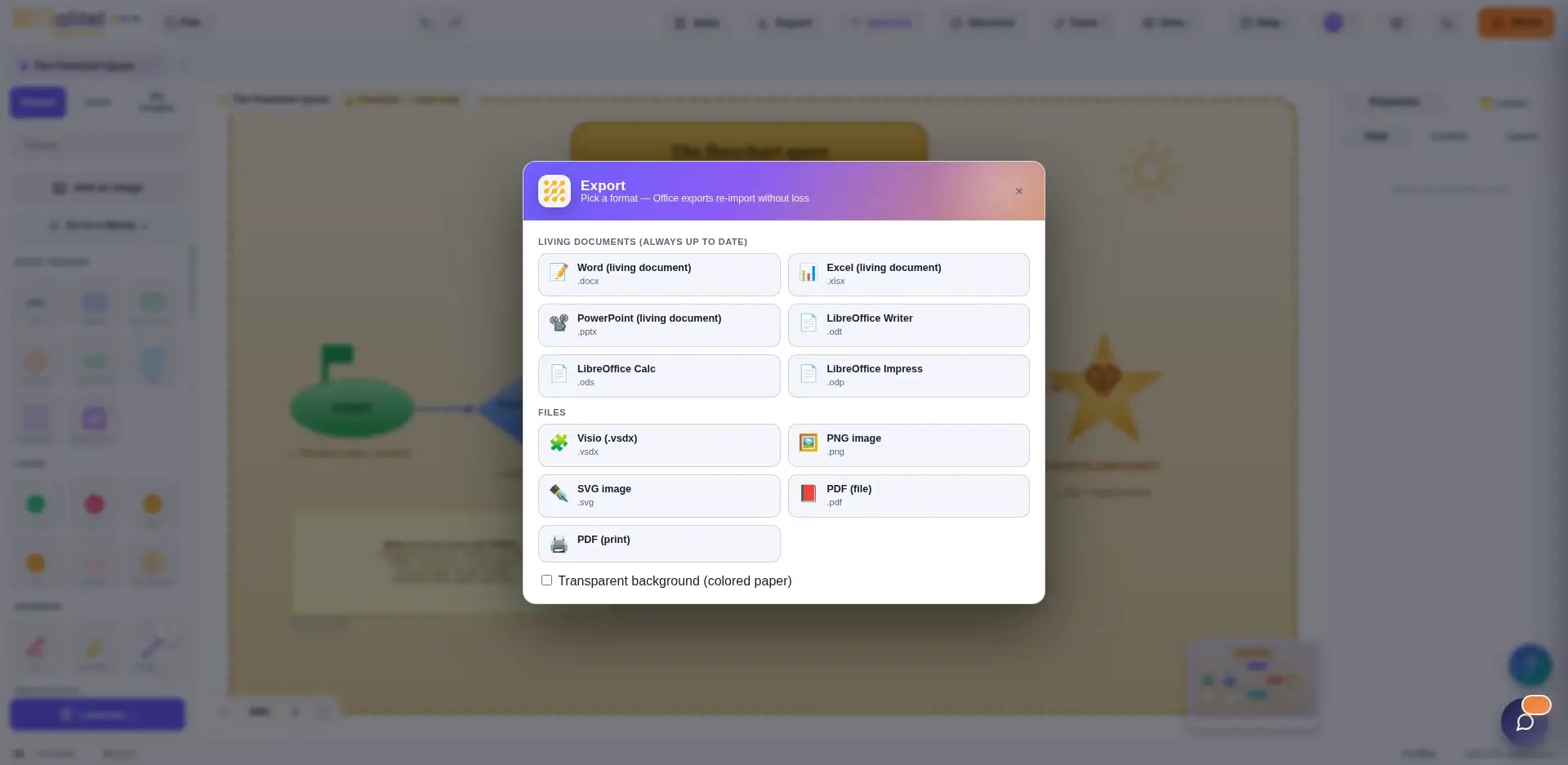
Export your flowcharts to Word, Excel, PowerPoint, LibreOffice, Visio, PDF, PNG or SVG. Office exports can be re-imported without loss : your documents remain editable and consistent.
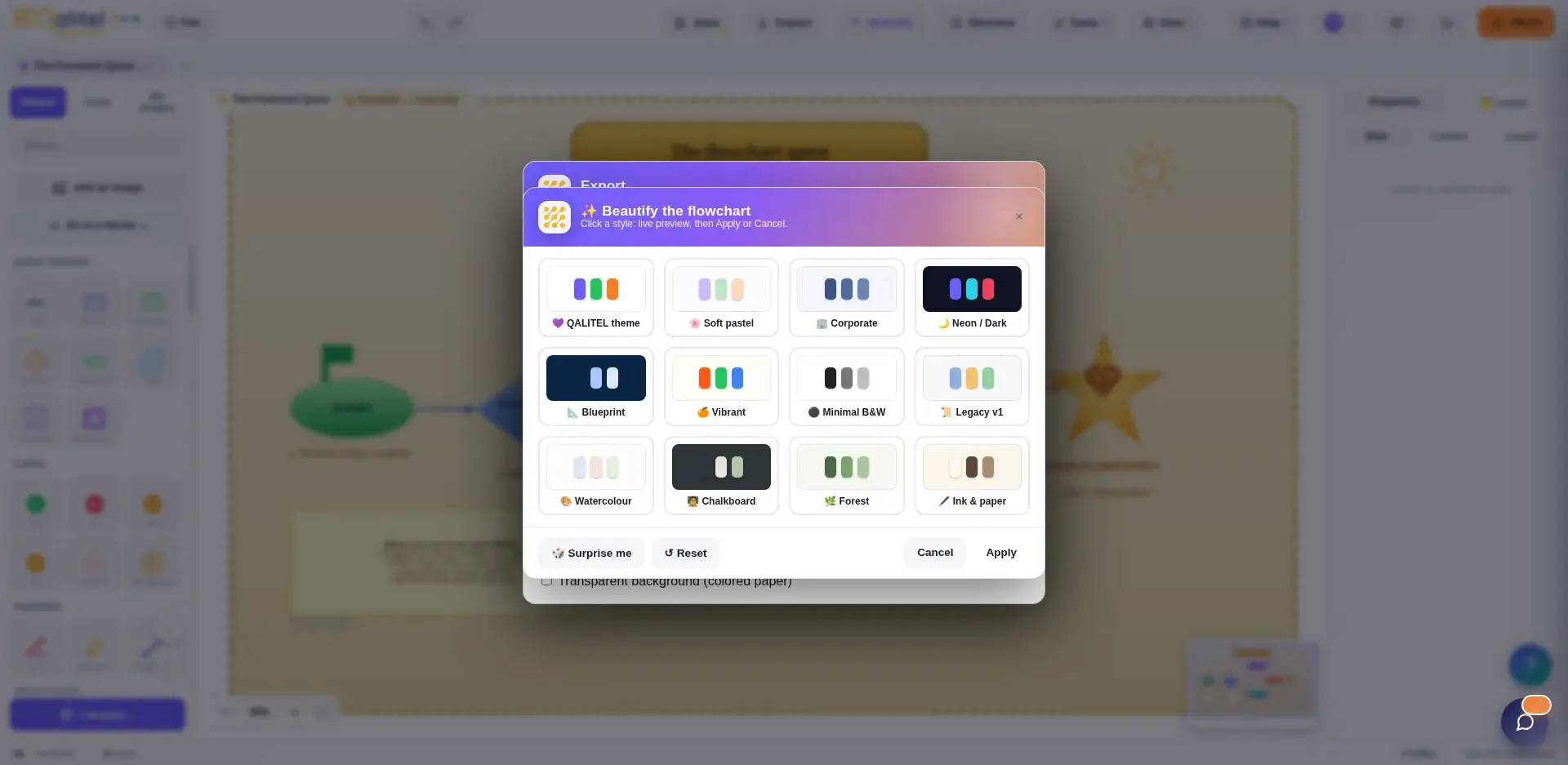
The Beautify instantly applies polished graphic themes — corporate, pastel, high-contrast… From rough draft to presentation-ready, with no formatting effort.
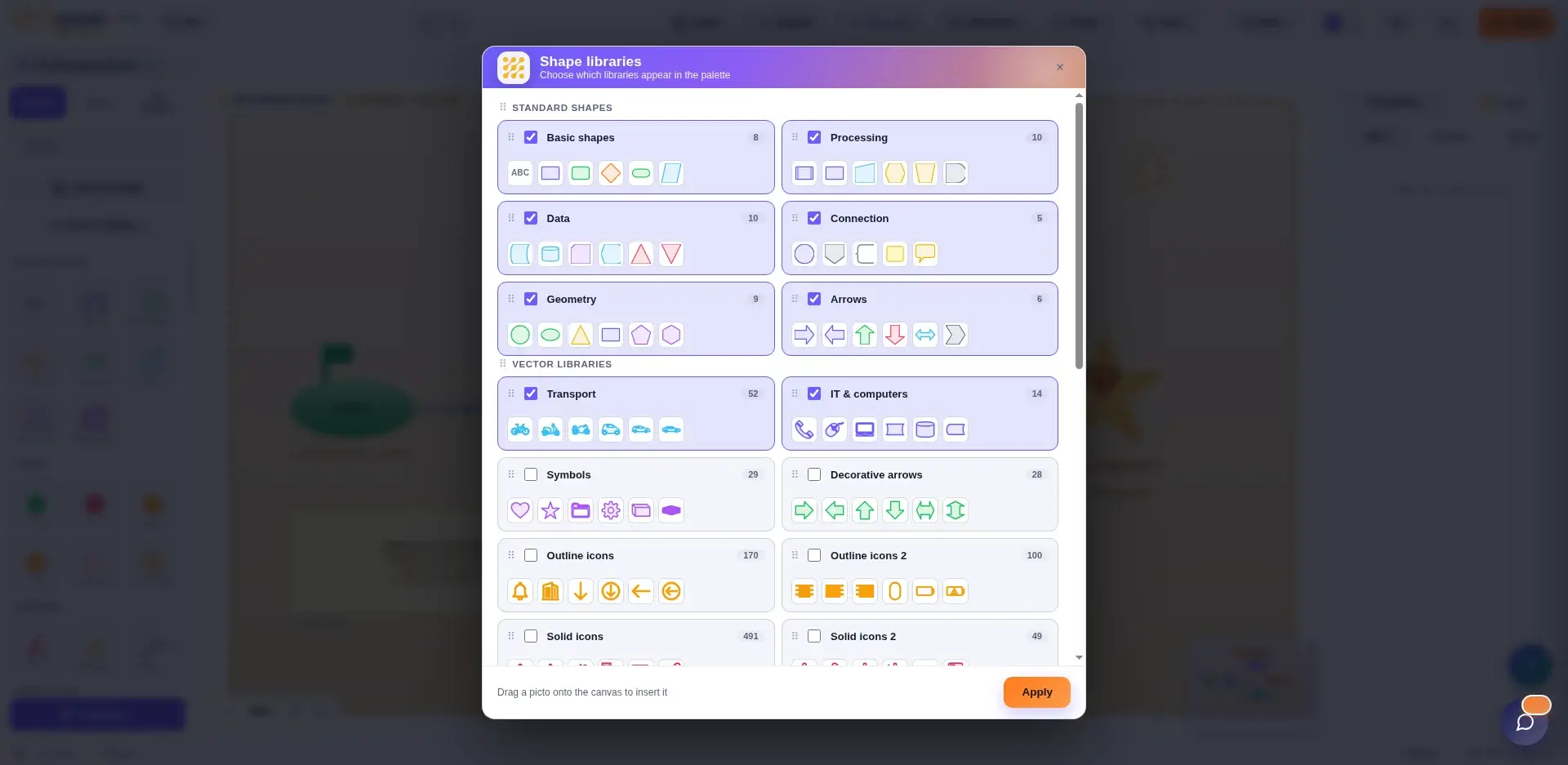
Standard shapes and industry-specific libraries — transport, IT, symbols… Not forgetting the link sharing, the Real-time collaboration and the Office round trip from the ProAd version.
Published by ScoQi, quality software from the QALITEL range since 1993.